





FERNBEDIENUNGEN
TRIEYE BRILLEN
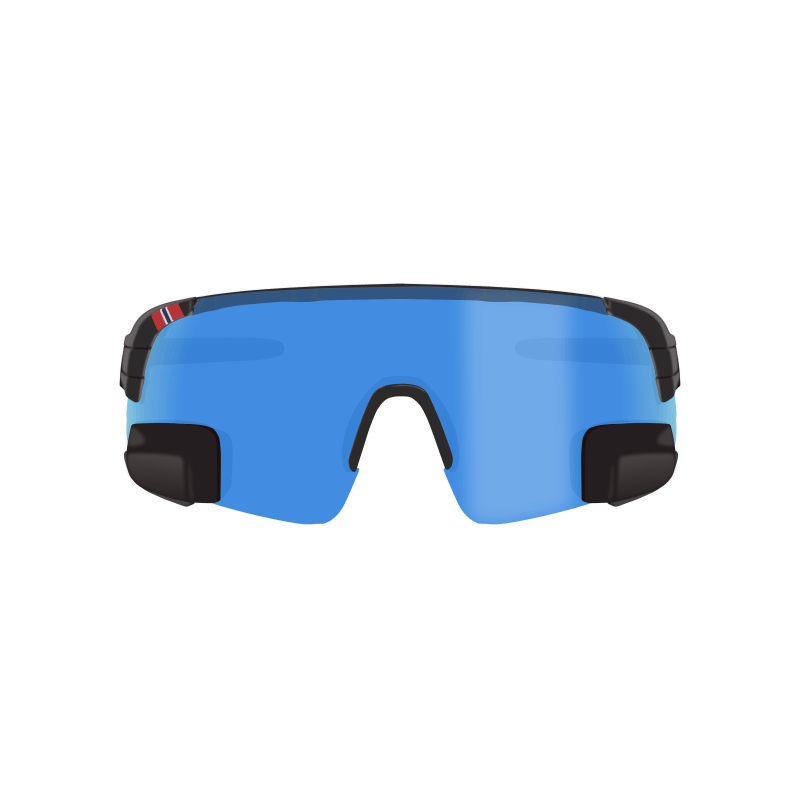
HEAD-UP-DISPLAY


»Die Brille lässt sich gut tragen und nach kurzem Ausprobieren hat man schnell die richtige Einstellung und den richtigen Eisatz des eingearbeiteten Sp...«
»Schnelle Lieferung. Die Brille hält was sie verspricht. «
»Ich benötigte 3 Fahrten um den Spiegel richtig einzustellen, damit es passt. Sobald man sich daran gewöhnt hat, möchte man den Spiegel nicht mehr mis...«
»Ganz tolle Sache, Preis und Qualität verdienen 5-Sterne ! Auch die schnelle Lieferung spricht für sich«
»Excellent product. Obviously no indication of what assist level you are in but very manageable. Would buy again.«
»Abwicklung etc. alles super. Leider läuft der Tacho auch mit dem neuen Geber nicht. Werde wohl den Tacho selbst auch noch tauschen.«
»Selbst die komplizierten Gläser meines Kunden liesen sich gut einsetzen.«
»Ich habe die Brille für einen Kunden bestellt und mit optischen Gläsern versehen. Der Kunde ist sehr zufrieden mit der Optik und Funktion des Rückspie...«
»Die TriEye Sonnenbrille ist ansprechend im Design und die Qualität ist auch in Ordnung. Bei starker Sonneneinstrahlung ist die Absorption nicht so gut...«
»Funktioniert prima! Die Tönung ist sehr angenehm und die Verarbeitung tadellos. Auch für große Köpfe bequem. Der Rückspiegel erspart den Umbau am Rad,...«
»Es handelt sich um ein qualitativ hochwertiges Produkt mit sehr guten Trageeigenschaften (sehr leicht, keine scharfen Kanten an den Bügeln, uneingesc...«
»Die Nutzung des Rückspiegels ist etwas gewöhnungsbedürftig, wird aber immer besser. Sehr innovativ👍👍👍«
»Tolles Produkt. nicht die erste Trieye, die ich besitze. Mittlerweile absolut ausgereift. Photochromatischer Effekt überzeugend. «
»Ich habe nun schon mehrerer Touren mit dem USEE gefahren und bin begeistert. Die Navigation und eitere Daten sind immer im Blick und es wird nicht vie...«
»Spiegeleinstellung etwas fummelig. Sicht nach hinten ist sehr durch die Sitzpositon abhängig. Trotz allem gibt es es auf dem Markt, kein vergleichbare...«
»alles i.O. gerne wieder«
»Entsprechend meiner Vorstellung was ich mir vorher im Internet angeschaut habe und erfüllt meiner Wunsch Vorstellungstellung «
»Das Produkt ist genauso wie ich mir das vorgestellt habe, einfach und es verbindet sich ohne Probleme mit dem E-Bike. Was ich noch vorschlagen würde ...«
»Schon die Idee finde ich genial. Das Produkt wirkt hochwertig. Auf der Straße könnt ich es leider noch nicht ausprobieren. «
»Qualität gut, Sichtverhältnis sehr gut, tolles Produkt, schnell geliefert Rundum alles TOP«
»Gut«
»Ich habe am 11.01.24 eine TriEye View Sport Photochromatic Größe: M/L bestellt. Toll ist das man alle Teile austauschen kann. Die Brille ist sehr l...«
»sehr gut«
»Beste minimalistische Lösung «
»So müssen Ersatz-Gläser sein. Durch das Klicksystem extrem leicht zu wechseln. Leider gibt es die Gläser ohne Rückspiegel nur in zwei Farben. Das ände...«
»Qualität & Verarbeitung ist sehr gut! Preis/Leistung ist in Ordnung! Ich bin sehr zufrieden und würde die TriEye View Edition HD weiter empfehlen!«
»Qualität: +++ Preis/Leistung: i.O.«
»Erstaunlich. Sehr gute Sicht, alles klar zu sehen, ganz ohne Mühe für das Auge. Bisher hatte ich einen Spiegel am Helm, das war schon gut, aber der kl...«
»Ich bin sehr zufrieden mit dem Produkt. Den Spiegel finde ich super, auch die Brille ist hochwertig verarbeitet.«
»Todo perfecto, envío rapidísimo «
»The product works great and is very intuitive. Finally I can use Blevo easily with just one finger. The only aspect to evaluate is the somewhat deli...«
»Very good !«
»Ich habe mir die Fernbedienung für mein neues Gravel Bike mit Mahle x35 Motor gekauft. Montage der Fernbedienung sowie die Verbindung mit dem Fahrrad ...«
»Klappt gut mit der automatischen Tönung. ich bin zufrieden«
»Habe die Brille jetzt 3 Monate in Benutzung und bin sehr zufrieden. Für den schnellen Schulterblick gut geeignet. Ersetzt aber nicht den sorgfältigen ...«
»Die Qualität der Brille ist sehr gut. Der Spiegel funktioniert gut, aber man muss sich erst dran gewöhnen. Die leichte gelbe Tönung ermöglicht auch fa...«
»Habe die Remote fürs Fahrrad meiner Frau gekauft, damit sie nicht immer die Hand vom Lenkrad nehmen muss um am Ober-Roh die Unterstützung zu ändern. ...«
»Prima Halt und guter Sitz und Made in Europe (Italy)«
»Prima Halt und guter Sitz«
»War am Anfang skeptisch doch es ist einfach nur genial «
»Sehr gute Fernbedienung für das Fahrrad so hat man die Hände frei und muss nicht immer auf das Navi zugreifen 👍«
»Qualität super Nutzung Rückspiegel benötigt etwas Übung (Blickrichtung) und aufgrund der Größe des Spiegels sollte man keine optischen Wunder erwarte...«
»Die Qualität der Brille ist gut. Das beobachten der rückliegenden Situationen ist etwas gewöhnungsbedürftig. . .«
»Super praktisch beim Rudern«
»Qualitativ hochwertig und bietet einen sehr guten Schutz. Ich würde mir eine Möglichkeit zur Unterbringung eines Ersatzglasses wünschen.«
»Qualität OK. Ob Preis/Leistung für ein kleines Stück Kunstsstoff OK ist? Weiss nicht.«
»Es funktioniert. Aber ich vermisse das Display. Ich kann die Unterstützungsstufe nur erahnen, auch die Ladung des Akkus ist ja nicht direkt ersichtlic...«
»Die Brille ist durch die 2 Rückspiegel ein echter Sicherheitsgewinn, allerdings habe ich eine Gewöhnungsphase gebraucht, bis die Einstellung für eine ...«
»Perfekt-ideal fürs Radfahren«
»Jederzeit wieder meine alte Brille ist das Gummi am bûgel def. Liegt am Alter «
»Alles bestens! «
»Die Brille ist anfänglich ungewohnt und nach einigen Umstellung und Einstellung des Spiegels von Vorteil.«
»Brille passt bestens und ist auch über längere Zeit gut zu tragen. Die Sicht im Rückspiegel ist gut. Bei mir stört der Kinnriemen vom Helm ein wenig d...«
»Lieferung übers Wochenende und die Brille ist geil! Preis ist nicht der günstige aber meiner Meinung nach der Qualität entsprechend! Und bei der E...«
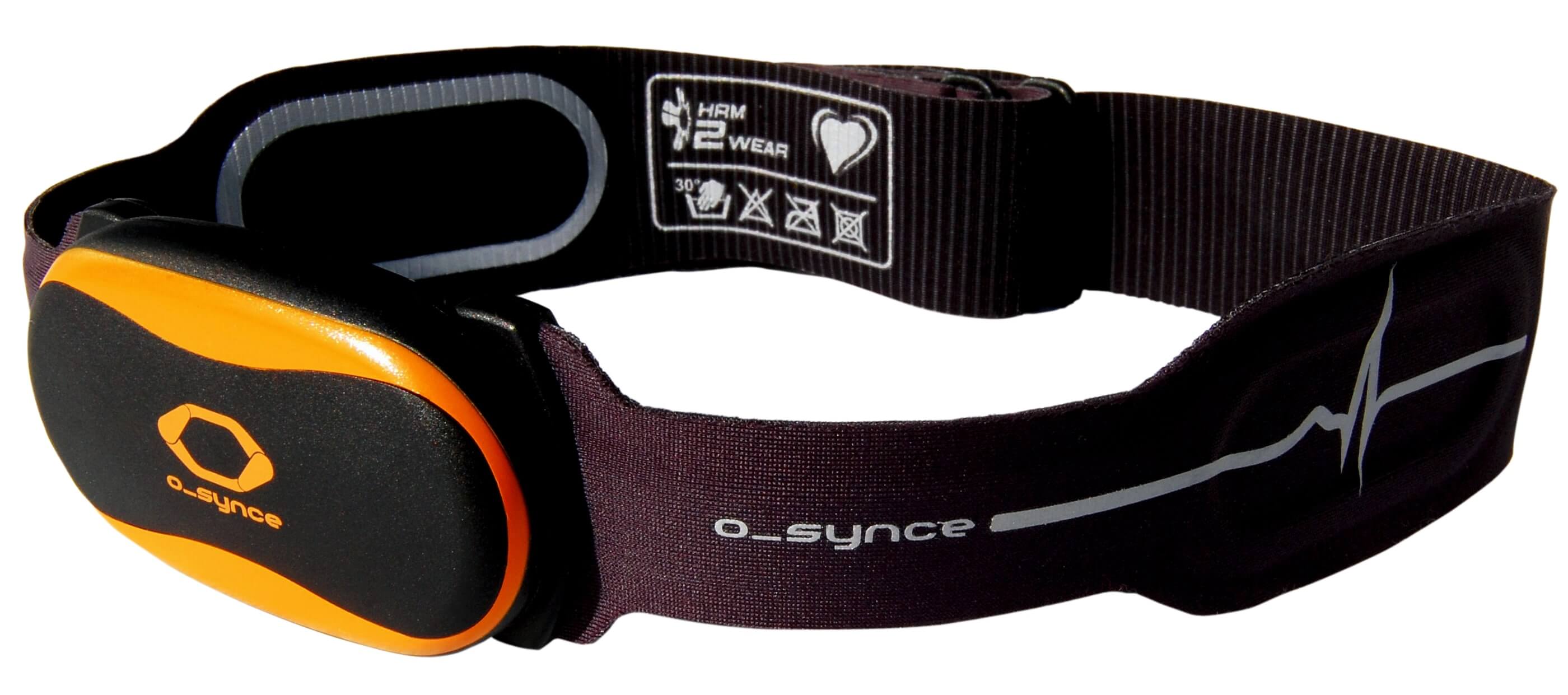
»Der beste Brustgurt den ich je hatte. Extrem lange Lebensdauer.«
»Das Produkt entspricht voll der Beschreibung, nach kurzer Gewöhnungsphase ist der integrierte Spiegel sehr hilfreiche beim Radfahren. Die Qualität und...«
»Ware wie beschrieben und unbeschadet erhalten. Danke !«
»ottimo prodotto lo utilizzo su specialized turbo levo 2022 con app Iphone Blevo«
»Sehr gute Verarbeitung. Was ich sehr schön finde ist, dass sich Teile nachbestellen lassen oder man auch andere Farben fürs „Glas“ verwenden kann. Auc...«
»Die Qualität der Verarbeitung ist sehr gut. Auch das Preis-Leistungsverhältnis ist gut.«
»Funktioniert prime mit Orbea X35 dongle, zum schalten der Unterstützungsstufen.«
»anfänglich muss man sich ein wenig an die Nutzung gewöhnen, wenn man den Rückspiegel auf seine Anforderungen eingestellt hat, hat man eine sehr gute S...«
»Tolles Produkt. Ich besitze für alle möglichen Gelegenheiten Sonnenbrillen. Ausschließlich polarisierte Brillen von RayBan und Oakley mit unterschiedl...«
»super schnell, super gut nur zu empfehlen Danke«
»Super-Teil das gegen die Ideenlosigkeit von Mahle hilft«
»Die Verbindung zum Fahrrad mit Mahle X35+ war schnell hergestellt. Die Fernbedienung erleichtert die Steuerung der Unterstützung erheblich. Endlich lä...«
»Gute Idee - wurde durch einen YouTuber auf dieses Produkt aufmerksam und wollte es ausprobieren. Funktioniert recht gut, zum Radfahren würde ich aller...«
»Die Brille hat eine gute Qualität. Hätte nicht gedacht dass man so einen sehr guten Blick nach hinten hat. Kann ich nur empfehlen. Würde ich mir sofor...«
»Spitze «
»Tolle Sache, benötigt kaum Eingewöhnungszeit, jedoch fehlt eine (bebilderte) Anleitung um die Gläser zu wechseln. Leider sehe ich im Rückspiegel zu vi...«
»Die Brille ist gut verarbeitet und hält auch auf einer Radtour einiges aus, bis jetzt hat meine Brille auch noch keine Beschädigungen oder Kratzer. Da...«
»Nach einer Eingewöhnungsphase und ein bisschen Übung klappt es wirklich gut! Die Brille kann man empfehlen «
»Super Verarbeitung und nachhaltig, da Komponente austauschbar. Auch viel leichter als erwartet. Kaum gewöhnungsbedürftig beim Fahren. Ganz im Gegentei...«
»Ausgezeichnetes Produkt. Die "Rückspiegelbrille" ist eine viel bessere Lösung als ein starrer montierter Rückspiegel am Rad! «
»Ein Superteil, sitzt hervorragend, wunderbar großes Gesichtsfeld, und das Gimmick Rückspiegel ist einfach genial!«
»Tolle Brille, hält was sie verspricht!«
»Perfekt,nur zu empfehlen «
»Am Anfang etwas gewöhnungsbedürftig. Qualität und Verarbeitung sehr gut. Preis akzeptabel. «
»Die Brille ist genial. Tut genau, was sie soll, die Fahrt auf dem Fahrrad sicherer machen. Einziger Wehrmutstropfen ist das Einstellen des Spiegel wen...«
»Qualität und Verarbeitung sehr gut, Lieferung einfach super «
»Qualität und Verarbeitung sehr gut, Lieferung einfach super «
»Qualität und Verarbeitung sehr gut, Lieferung einfach super «
»Eine super Brille, sitzt gut und die Rückspiegel erfüllen ihren Zweck zu 100%.«
»prommt und zuverlässig.«
»Das wirklich gut gestaltete Design des online Shops und die ausführliche und informative Beschreibung der Produkte haben mich schnell die richte TriE...«
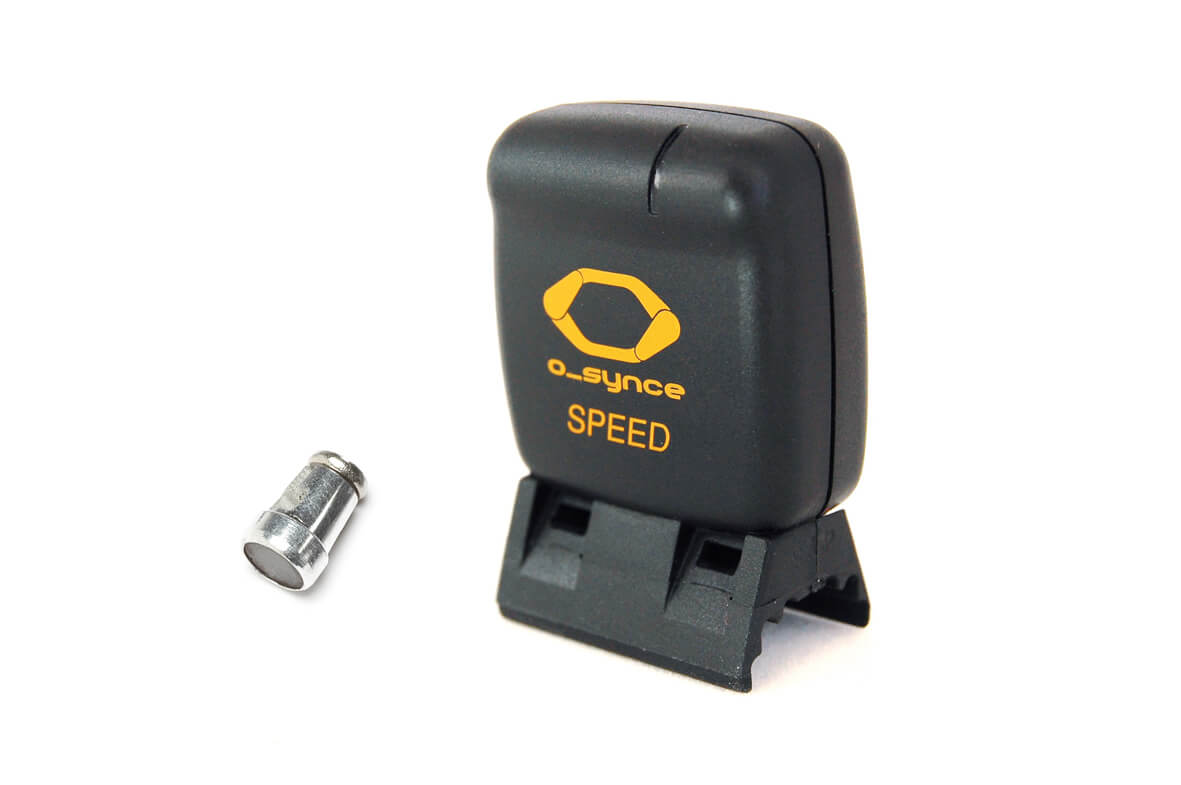
»Hallo Diesen Sender habe ich jetzt an 2 Trekking Bikes und den Twin Sensor ( Speed / Cadence ) am Rennrad . Alle funktionieren Prima ! Was ich leide...«
»Es dauert etwas bis man den richtigen Dreh des Kopfes heraus hat ! Dann funktioniert es sehr gut man kann bei Bedarf den hinteren Verkehr gut beo...«
»Hatte einen sehr guten Eindruck von der Qualität und der Funktionalität der Brille. Leider habe ich die Brille bereits bei der ersten Ausfahrt mit dem...«
»Ich bin erst einmal mit der Brille gefahren. Trotzdem habe ich bereirs den Eindruck, ein gutes Produkt erworben zu haben. Ein wenig fummelig ist es de...«
»Nach einigen Testfahrten gefällt mir die Brille gut, weist jedoch einige Schwächen auf. Stärken: Gläser, die nicht verzerren Angenehme Tönung Gr...«
»Gut«
»Es ist das beste was es gibt für den strasen Verkehr Man muss sich nicht mehr den Hals verrenken um nach hinten zu schauen eines sehr gute Erfindung.«
»Habe mich schon auf einer 32 km -Fahrt an die neue Brille gewöhnt. Da das rückwärtige Blickfeld von der Kopfhaltung abhängt, war es anfangs etwas kni...«
»Die Brille ist sehr praktisch. Sie schützt die Augen und passt sich den Lichtverhältnissen an. Die Qualität ist hochwertig. Der Rückspiegel ist wirkli...«
»Ich bin sehr zufrieden, Verarbeitung und Material sind top!«
»War immer auf der Suche, meine Frau zu beobachten und zwar beim Radfahren hinter mir, ohne viel Anbauteile einfach, einfach. Gut einzustellen, Nicht z...«
»Preis-Leistung stimmt, schnelle und prompte Lieferung«
»This remote is easy to install and setup and gives the ability to drive some powerful functions of the BLEvo app for Specialized bikes. Price is good ...«
»Wenn er mal richtig eingestellt ist arbeitet er zuverlässig. Der Magnet muss sehr nah und genau an an der Markierung vorbeilaufe. In der Beschreibung ...«
»I was looking for a simple but effetive device. Mini-pc fits all my requirements«
»Verbindet sich in Windeseile mit dem Antrieb. Das Herauf- und Herunterschalten läuft jetzt superschnell, man kann quasi mal ganz flott den Turbo einle...«
»Sehr leicht, sehr guter Sitz, einfach klasse«
»Tolles Teil, damit wird Fahrrad fahren noch sicherer!«
»Die "Trocken-Begutachtung" dieser Sport-Rad-Brille ist ersteinmal gut; leider konnte ich diese noch nicht im Life-Setting testen, da das etter und die...«
»Sehr gut«
»Sehr gut«
»Works as expexted!«
»Works as expexted!«
»Works as expexted!«
»Gute Idee man sieht wirklich nach hinten bisher habe ich mit einer Kamera gearbeitet funktioniert aber oft nicht oder ich fahre dann zu schnell und d...«
»Top Produkt, Preis ok«
»leider nicht bei den Ersatzgläsern dabei - erleichtert aber das Wechseln enorm!«
»Genau das was man bei Nebel und schlechter Sicht braucht, weil es den Kontrast erhöht.«
»TOP. Gerne wieder.«
»Prima Set mit gutem Preis-Leistungs-Verhältnis. Benutzung der Brille ist nach Einstellung des Spiegels und kurzer Eingewöhnung ein echter Sicherheitsg...«
»Hallo, die Verarbeitung ist sehr gut. Die Brille rutscht nicht. Die Brille verdunkelt auch sehr angenehm. Sie wirkt sehr wertig.«
»Nach erstem Eindruck absolut ok«
»Ich bin durch die Bild darauf aufmerksam geworden. Ich habe bereits zwei Fahrten mit der Brille gemacht. Sonnenschutz ist prima. An den Rückspiegel mu...«
»I like the o-synce mini Pc a lot, it’s easy to mount and easy to use with the one button approach. Combined with the pc setup tool it is also simple t...«
»Genial«
»Bequemer Sitz, gute Qualität und der eingebaute Rückspiegel ist sehr clever«
»Tolles Teil «
»Brille sitzt gut, und ist gut verarbeitet. Seitenspiegel funktionieren hervorragend!«
»This is a must have if you use the App BLEvo and the bike Specialized!«
»Produkt ist gut, wegen dem Wetter noch nicht getestet. Versand war mangelhaft und deshalb teuer! 2 Brillen bestellt, nur 1 erhalten. Nach Mängelrüge 2...«
»Ich benutze die Brille auch beim inlineskaten und muss sagen, tolle Sache mit dem Spiegel. Preis/Leistung passt auf alle Fälle«
»Kann sauber zerlegt werden. Das Nasenpolster passt dann auch auf das erste Modell der Trieye Serie 👍🏻«
»Brille ist toll, Material sehr gut«
»eine guten Lösung das Spiegelfeld könnt etwas größer sein«
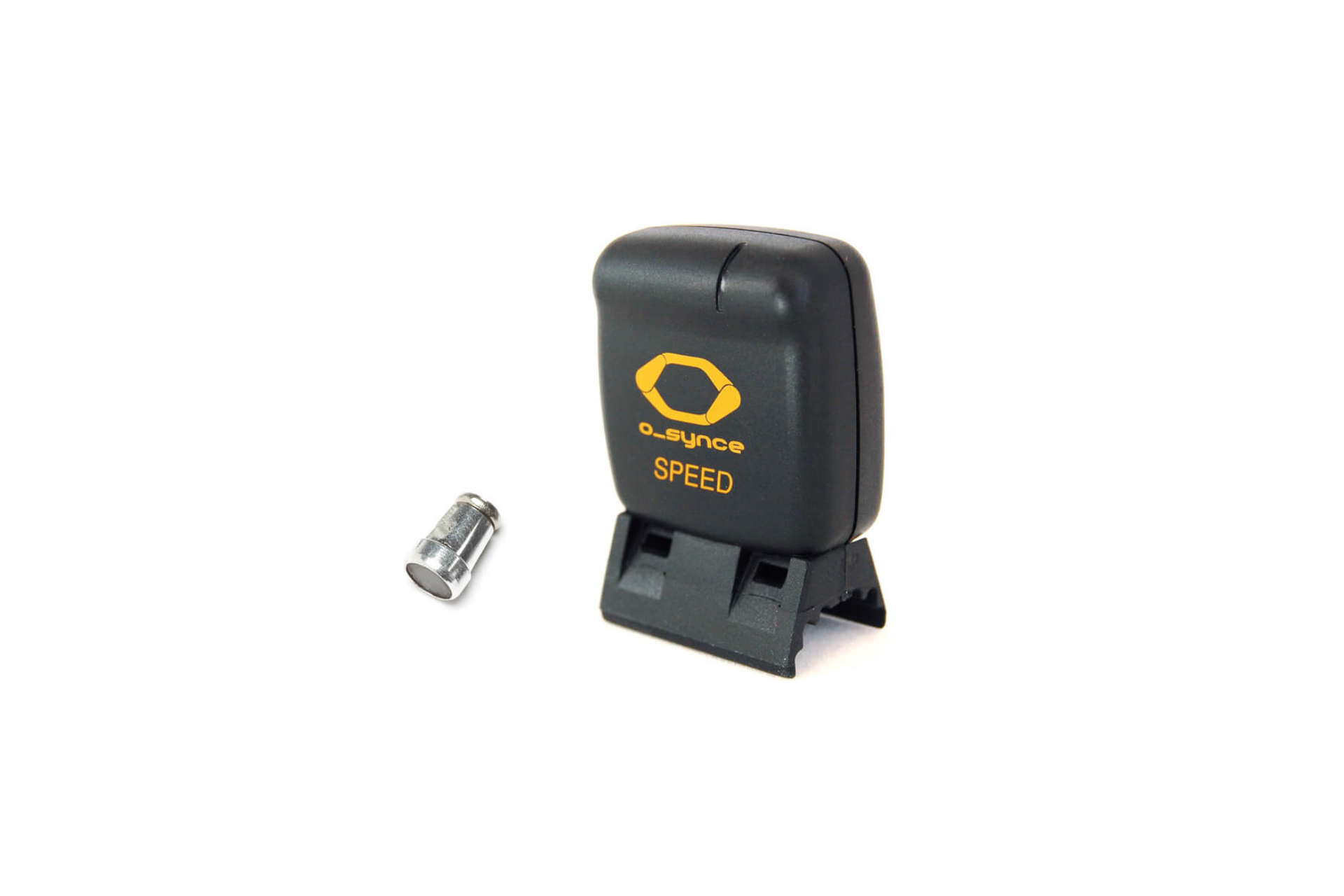
»Wenn man bereits mehrmals die Tachometer mittels der rückseitig verbauten Taster parametriert hat, weiss man dieses Interface zu schätzen. Klasse!«
»Ich benutze die Geräte dieser Serie seit etlichrn Jahren und bin dsmit sehr zufrieden. Aktuell habe ich den drahtlosen Sensor im Einsatz: er funktioni...«
»Hallo, Preis-Leistung super! Trägt sich angenehm leicht auch an Nase, da ich Druck empfindlich bin. Auch der Tausch der Brille und Farbe hat sup...«
»Qualität passt! TOP«
»Qualität passt! TOP«
»Bin insgesamt sehr zufrieden mit der TriEye Brille. Ich würde sie wieder kaufen und auch weiterempfehlen. Nachteil gegenüber einem am Fahrrad montier...«
»Super Idee und praktisch umgesetzt.«
»Die Brille ist sehr gut verarbeitet und man hat eine Vielzahl an Möglichkeiten das Glas anzupassen. Der Spiegel ist super einzustellen und auch sehr ...«
»Gut verarbeitete Brille. Der Spiegel funktioniert, allerdings nicht mit einer dicken Jacke. Da sehe ich dann fast nur meine Schultern. Mit normaler ...«
»Ich finde die Brille richtig super auch weil man an der Brille komplett alles ersetzen kann nicht wie bei anderen Herstellern «
»Die Qualität und das Design entspricht genau meinen Erwartungen. Die Lieferzeit war angenehm kurz. «
»Gute Brille,nichts zu beanstanden. «
»Die Brille sitzt nicht nur sehr gut, sieht auch noch gut aus. Qualitativ sehr gut verarbeitet. Der kleine Spiegel gibt mir mehr Sicherheit. «
»Alles super.«
»Funktioniert tadellos und tut was es soll. Levo BJ 2017«
»Schnelle Lieferung. Passt perfekt«
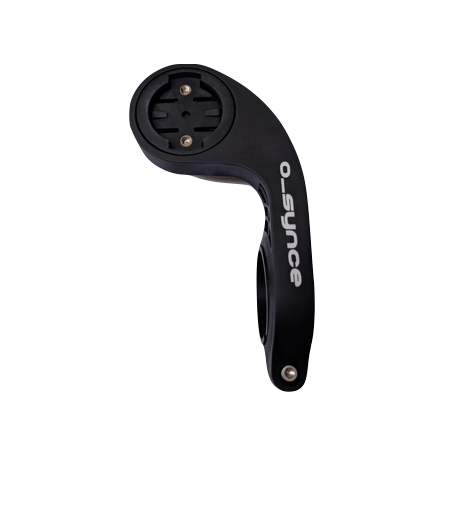
»Er läßt sich einfach und sicher am Rennrad befestigen. Mein Edge 130 sitzt fest in der Halterung. Dabei habe ich einige Euros gegenüber dem Garmin-Ha...«
»easy to install, works well«
»Passt prima auch auf kleinere Nasen. Sitzt bequem und rutscht nicht.«
»Prima Optik für neblige und trübe Tage. Oder in der Dämmerung.«
»faires Preis-Leistungs-Verhältnis«
»Alles bestens u schneller Versand!! Danke! Letzte Remote hat allerdings nur zwei Jahre gehalten, dann kaputt. Hoffe die neue jetzt hält länger. Lag ...«
»Super brille Hervorragend zum Fahrrad fahren und auch für Elektroroller Durch die Selbsttönung ob man durch den Wald faehrt und auch durch Tunnel u...«
»Super Produkt einfach zu konfigurieren gerne wieder«
»Diesen Tacho habe ich seit 5 Jahren im Einsatz und würde ihn mir jederzeit wieder kaufen. Für mich sind alle notwendigen Funktionen vorhanden. Und wi...«
»Diese Masken sind klasse. Sie sitzen gut und die Farben sind echt schön. Auch wenn ich mich freue, wenn diese Masken bald nicht mehr notwendig wären, ...«
»Wir sind froh, ein Produkt aus europäischer - mehr noch italienischer - Produktion zu haben. Wir haben nun diese Masken schon über mehrere Monate. Zur...«
»Tolle Masken, mit einer hohen Atmungsaktivität. Trage die Care-Masken jeden Tag mehrere Stunden und könnte mir nicht mehr vorstellen andere Schutzmask...«
»Die Masken tragen sich sehr angenehm und mit den zahlreichen Farbvarianten findet man auch sicher eine passende Maske zum Typ oder Outfit. Auch die Pa...«
»Habe vor 2 Monaten die Maske gekauft, sie ist super leicht und angenehm zu tragen auch für lange Zeit. Tolles Design, gute Passform, top Qualität!«
»Total angenehmer Stoff der eine super Passform hat und sich an das Gesicht anschmiegt. Meine Ohren sagen Danke!«
»Meine Frau und ich nutzen mehrere der Care-Masken, da wir sehr zufrieden mit Verarbeitung, Qualität und Tragekomfort sind. Eine Nutzung über mehrere S...«
»Wir tragen die Masken in der Praxis den ganzen Tag. Sie sehen nicht nur gut aus, sie sind was ganz wichtig ist atmungsaktiv und sehr angenehm zu trage...«
»Die Masken sind leicht, schauen gut aus und haben wirklich einen tollen Tragekomfort. Beim Aufsetzen sollte man darauf achten, wo oben und unten ist, ...«
»Super Service, sehr netter Kontakt. Funktioniert super.«
»Hilft, die umfangreichen Informationen des N2C während der Fahrt sehr viel komfortabler zu verwalten. Die Aufmerksamkeit kann größtenteils auf die Str...«
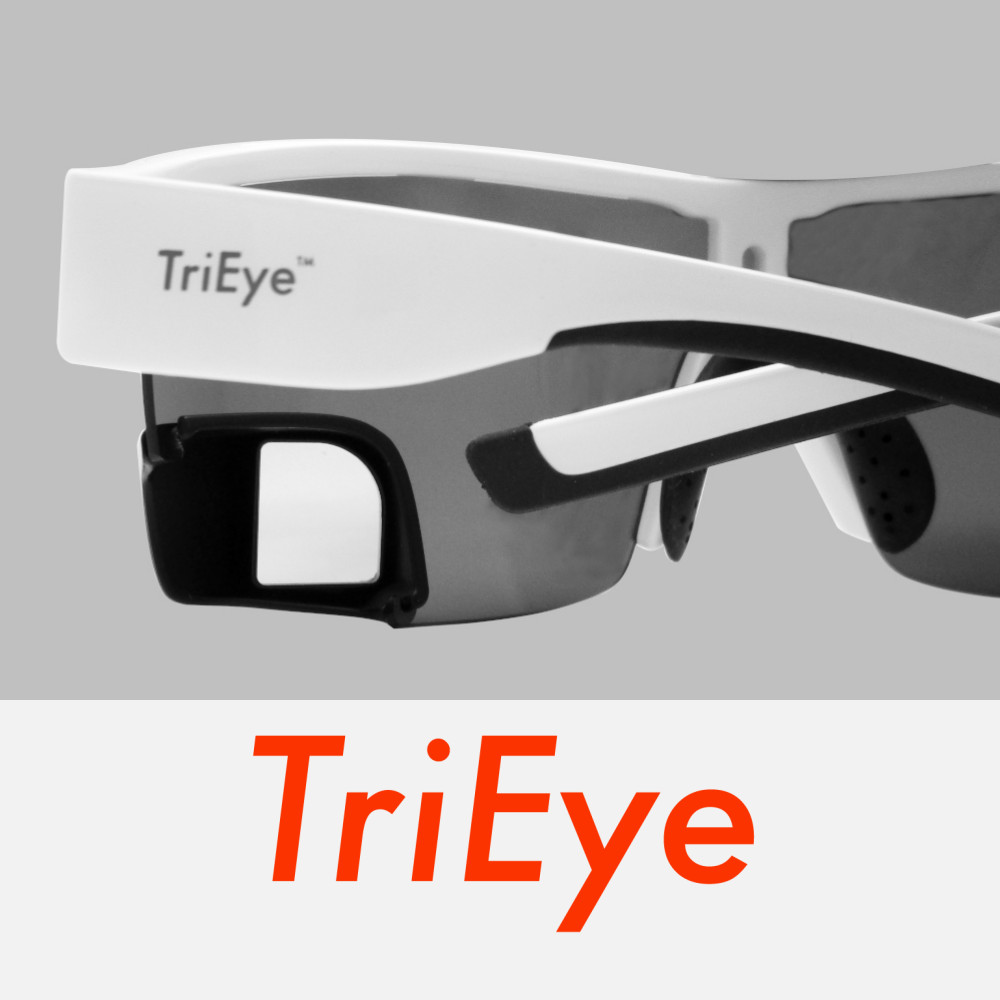


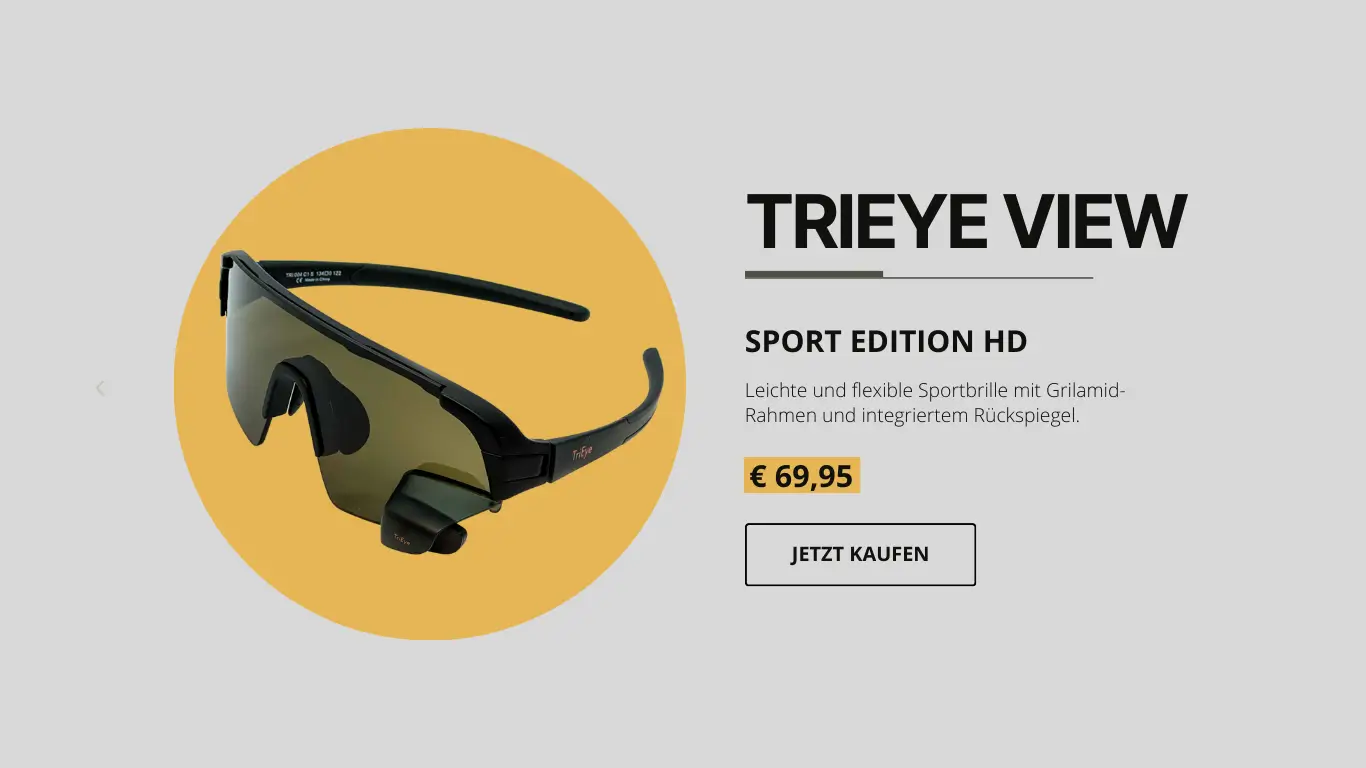
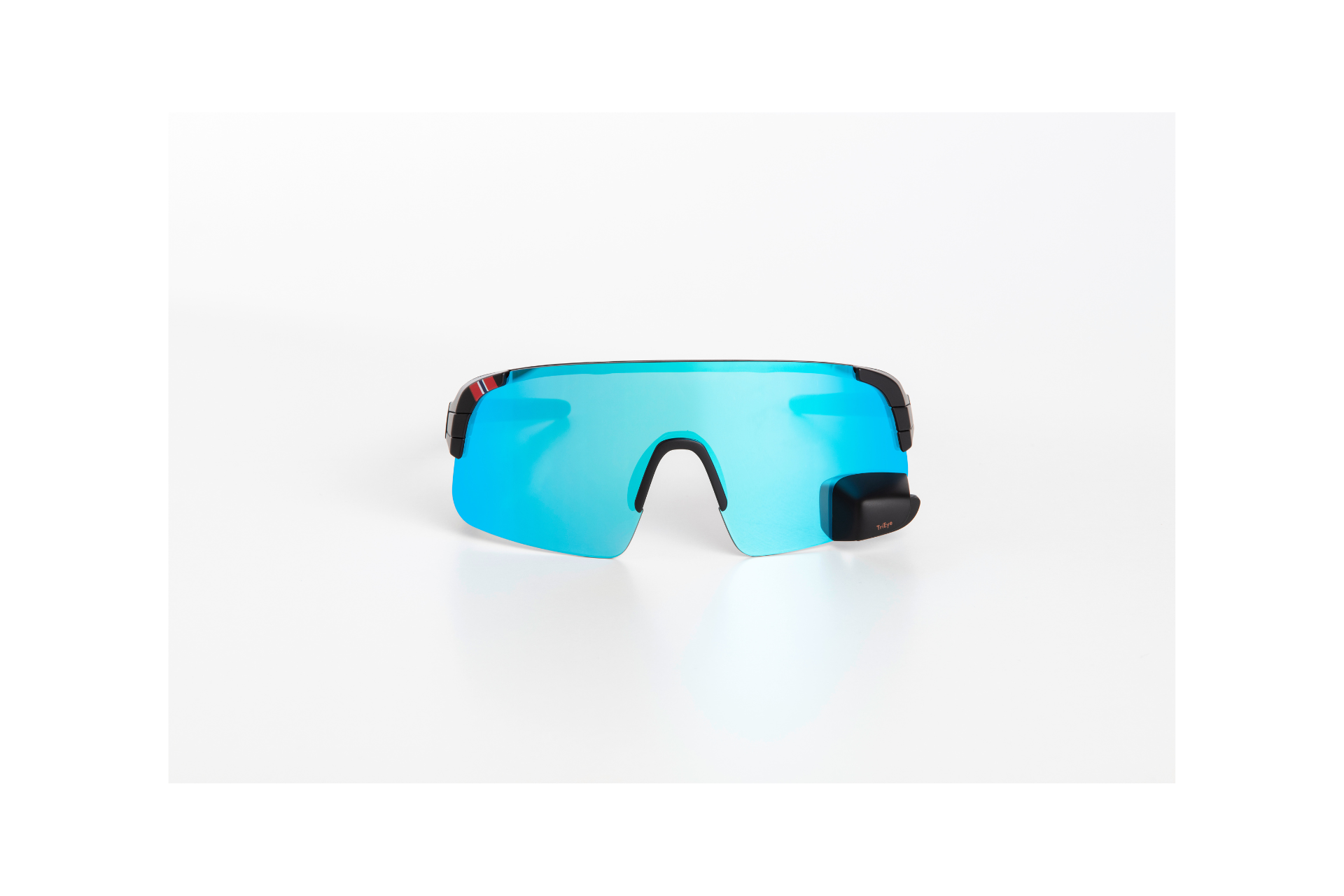
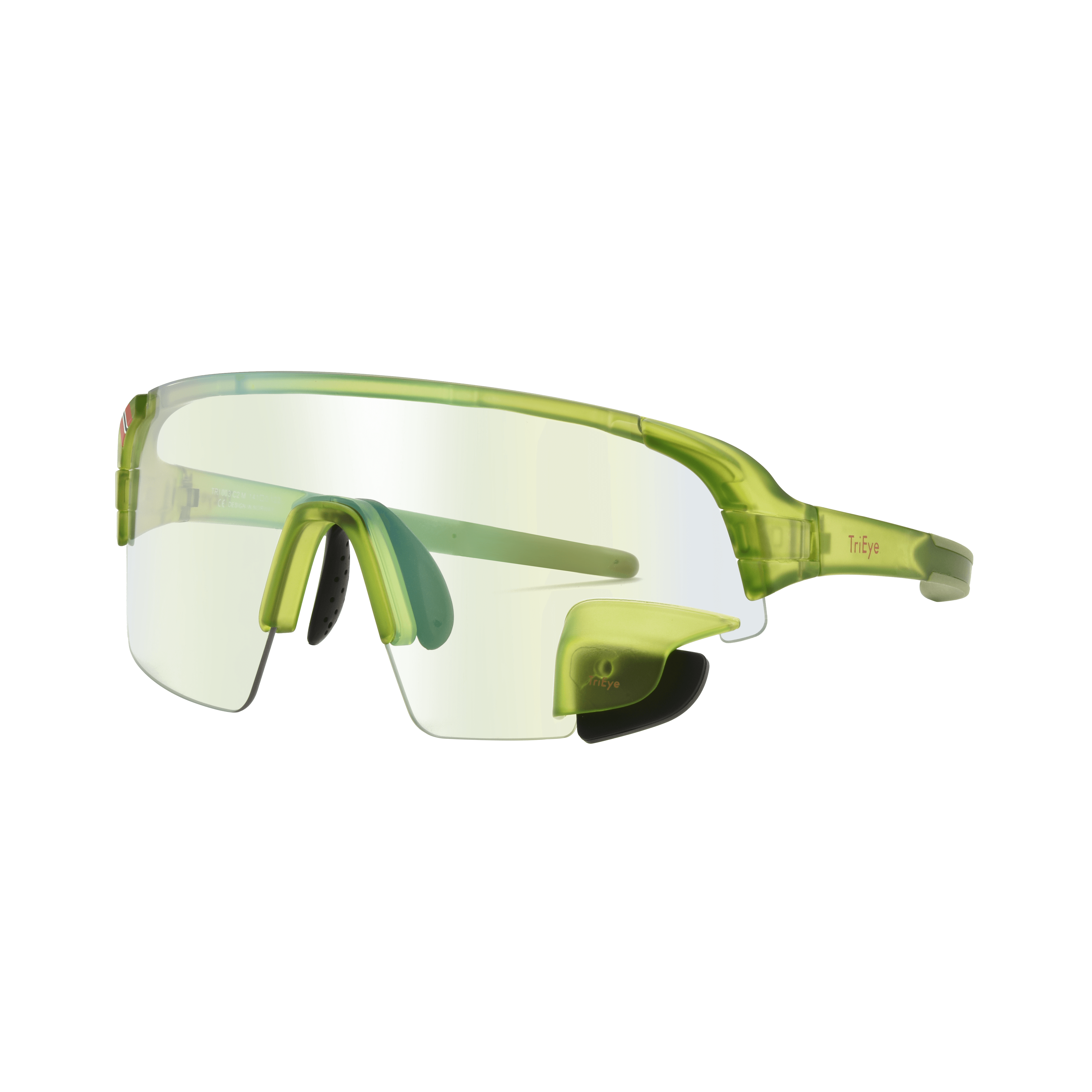
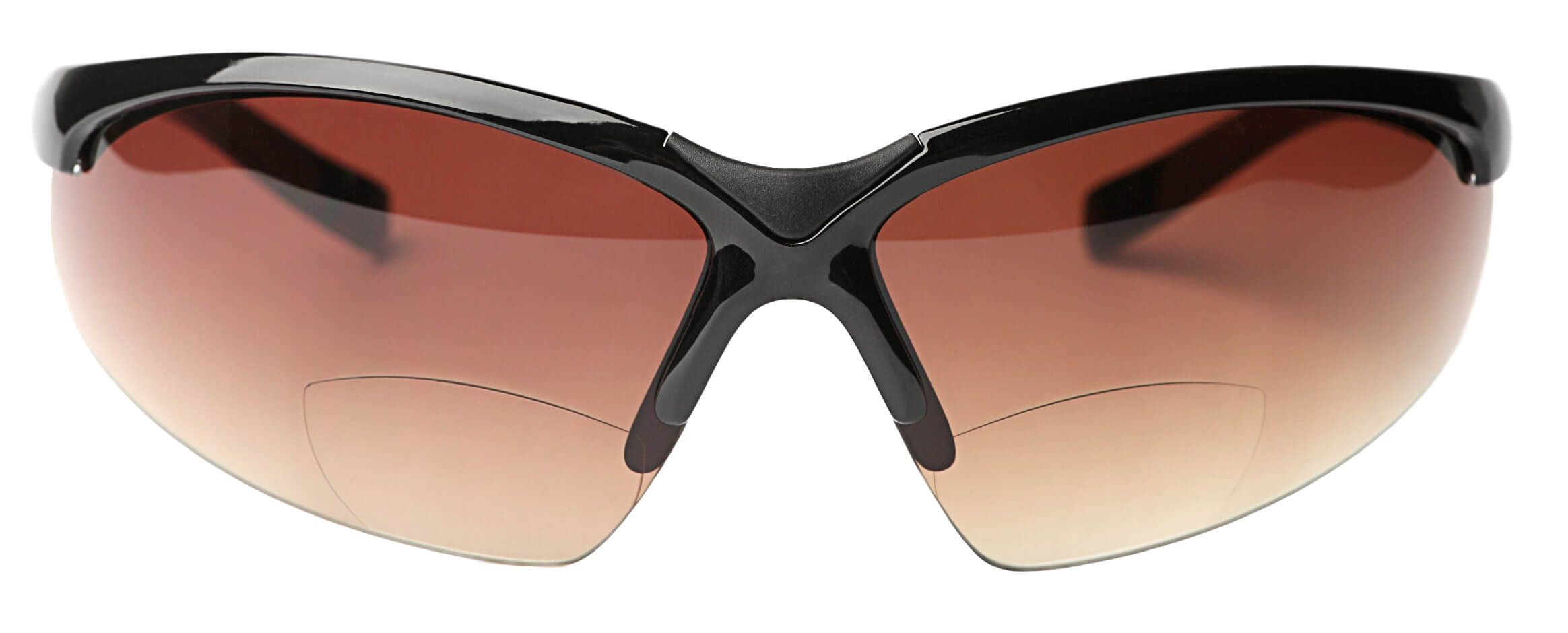
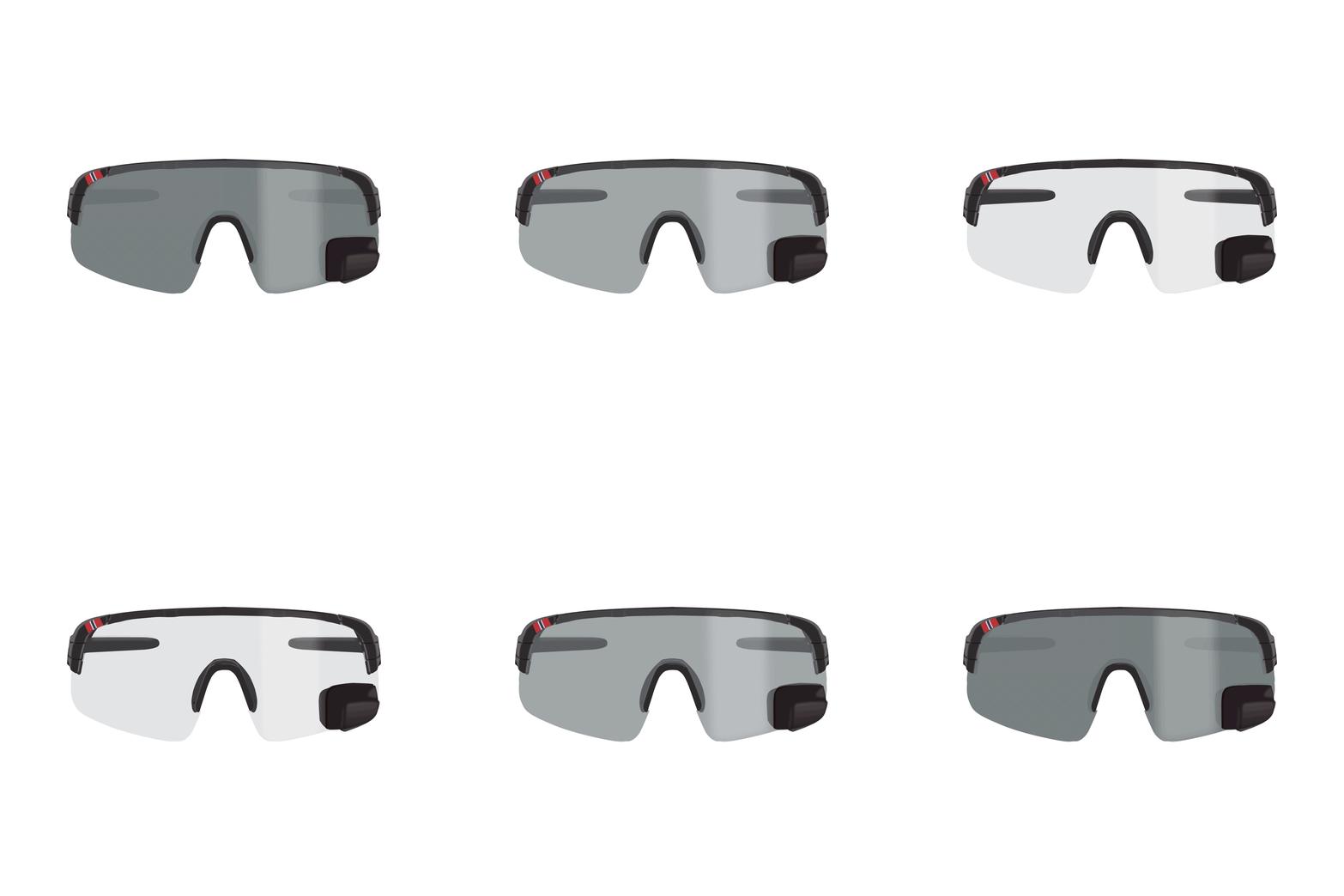




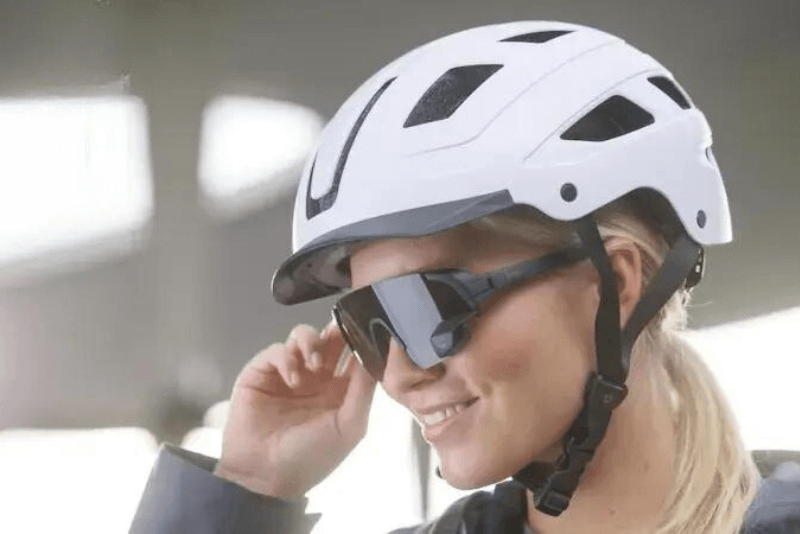
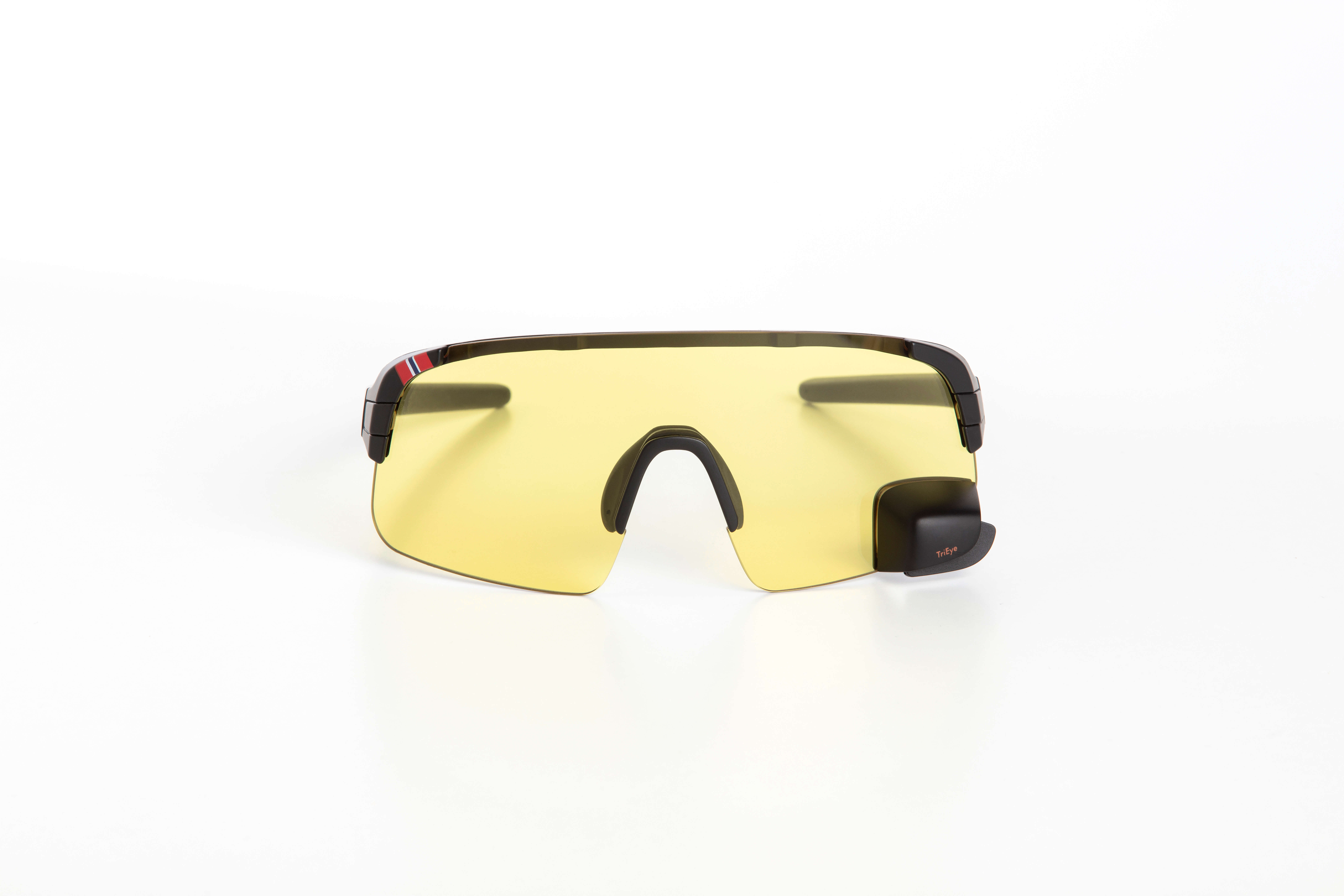
Der Rückspiegel funktioniert wie der eines Autos und ermöglicht Ihnen den Blick nach hinten ohne sich umzudrehen.

Der Spiegel ist individuell einstellbar und bietet einen perfekten Blickwinkel nach hinten.
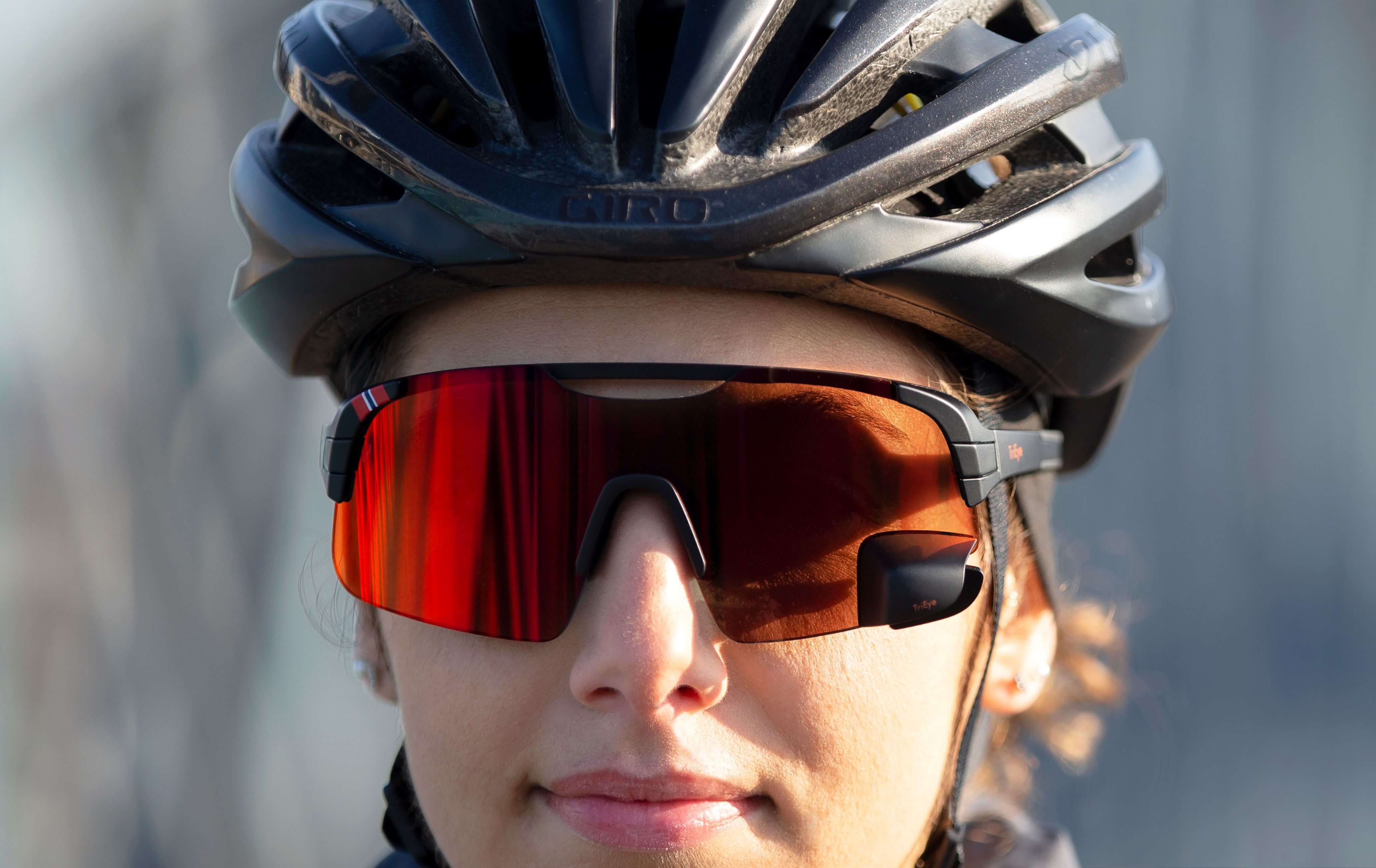
Verabschieden Sie sich von lästigen Schulterblicken und unsicheren Manövern.

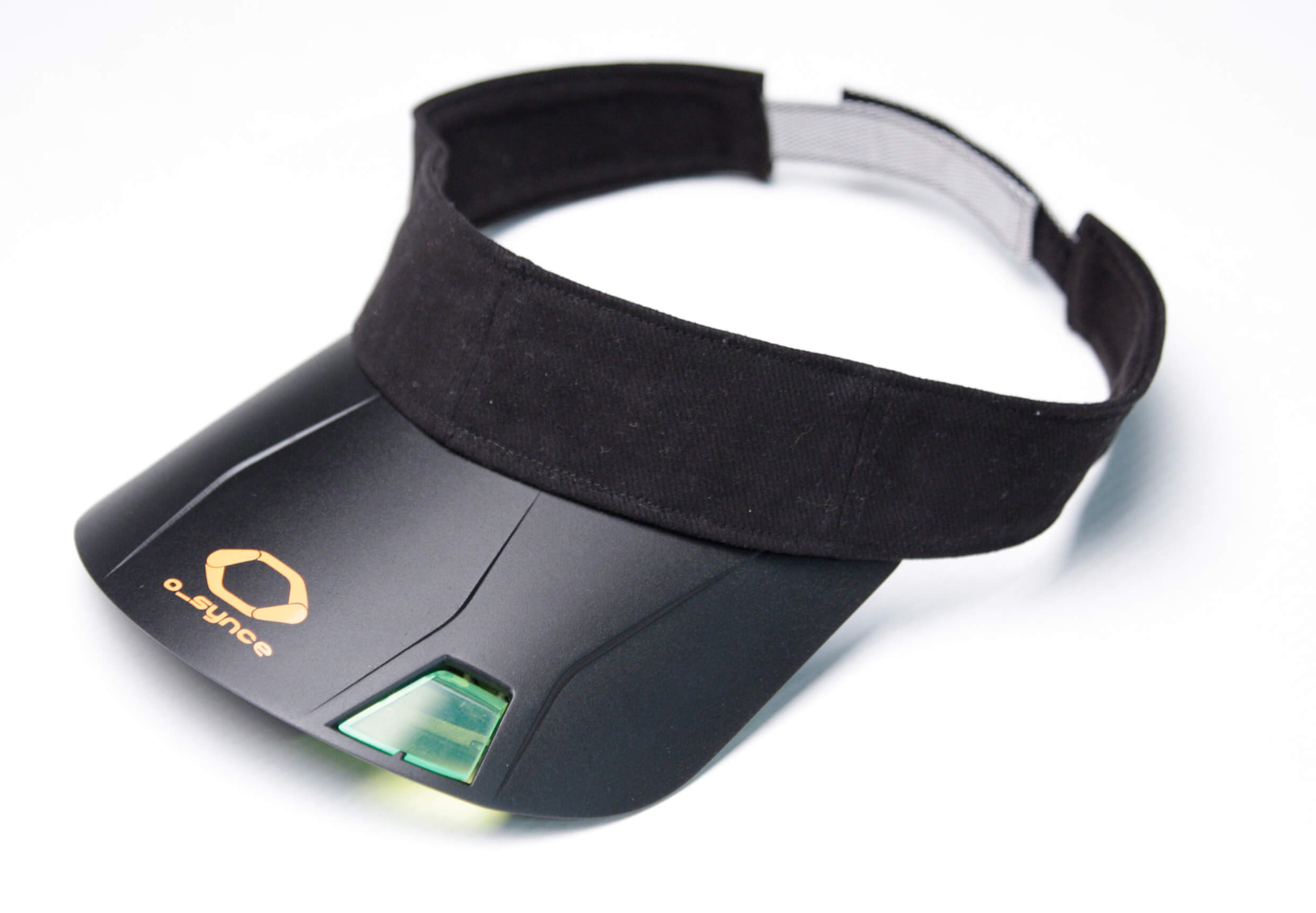
USEE Head-Up-Display
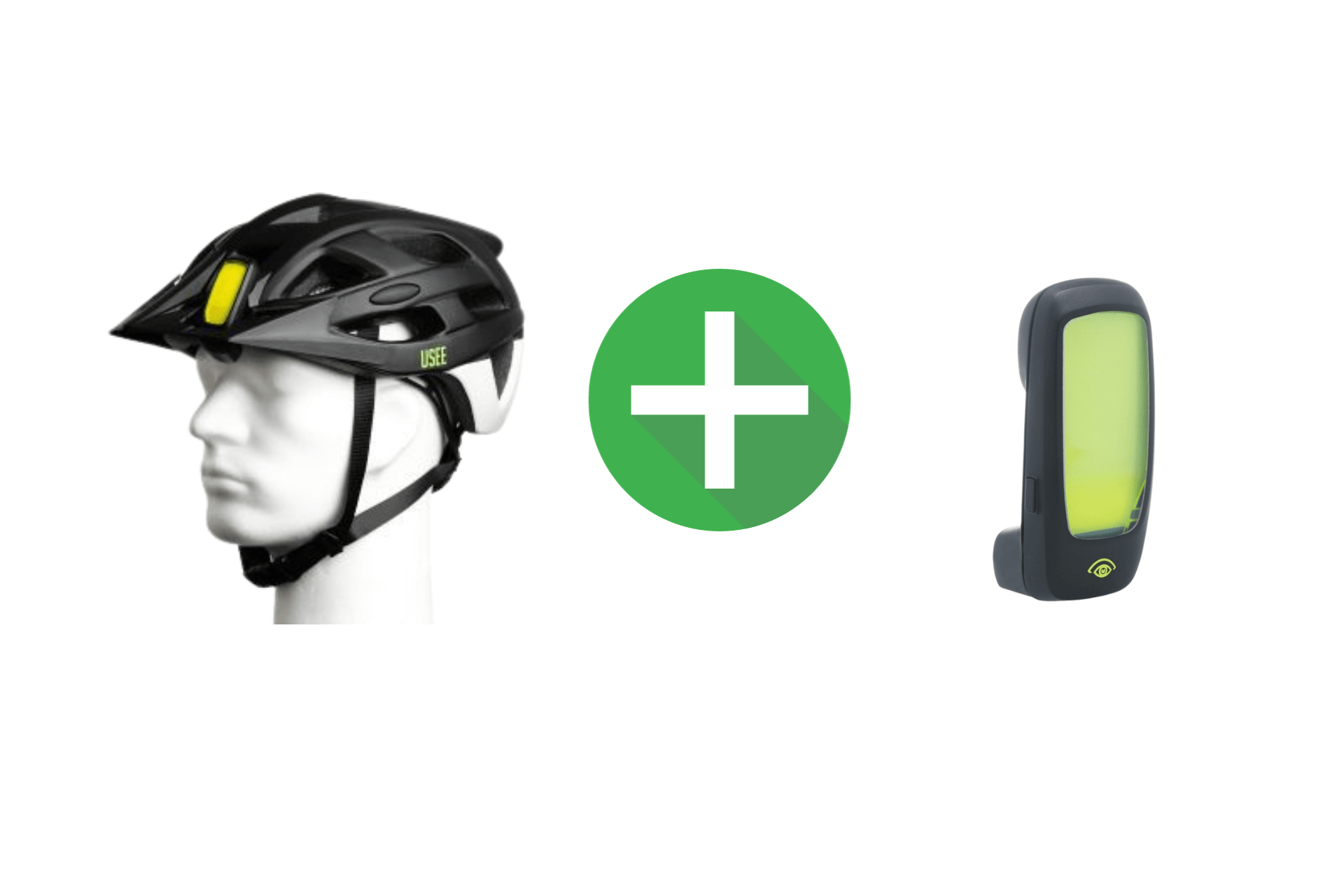
- Verwandeln Sie Ihren Helm mit dem USEE Head-Up-Display in ein Smart-Bike-Gadget.
- Erhalten Sie klare Navigationsanweisungen direkt in Ihrem Sichtfeld.
- Überwachen Sie den Akkustand Ihres E-Bikes, die aktuelle Unterstützungsstufe und die Restreichweite in Echtzeit.
- Verfolgen Sie Ihre Geschwindigkeit, Tageskilometer, Gesamtdistanz, Fahrtzeit, Trittfrequenz und mehr.
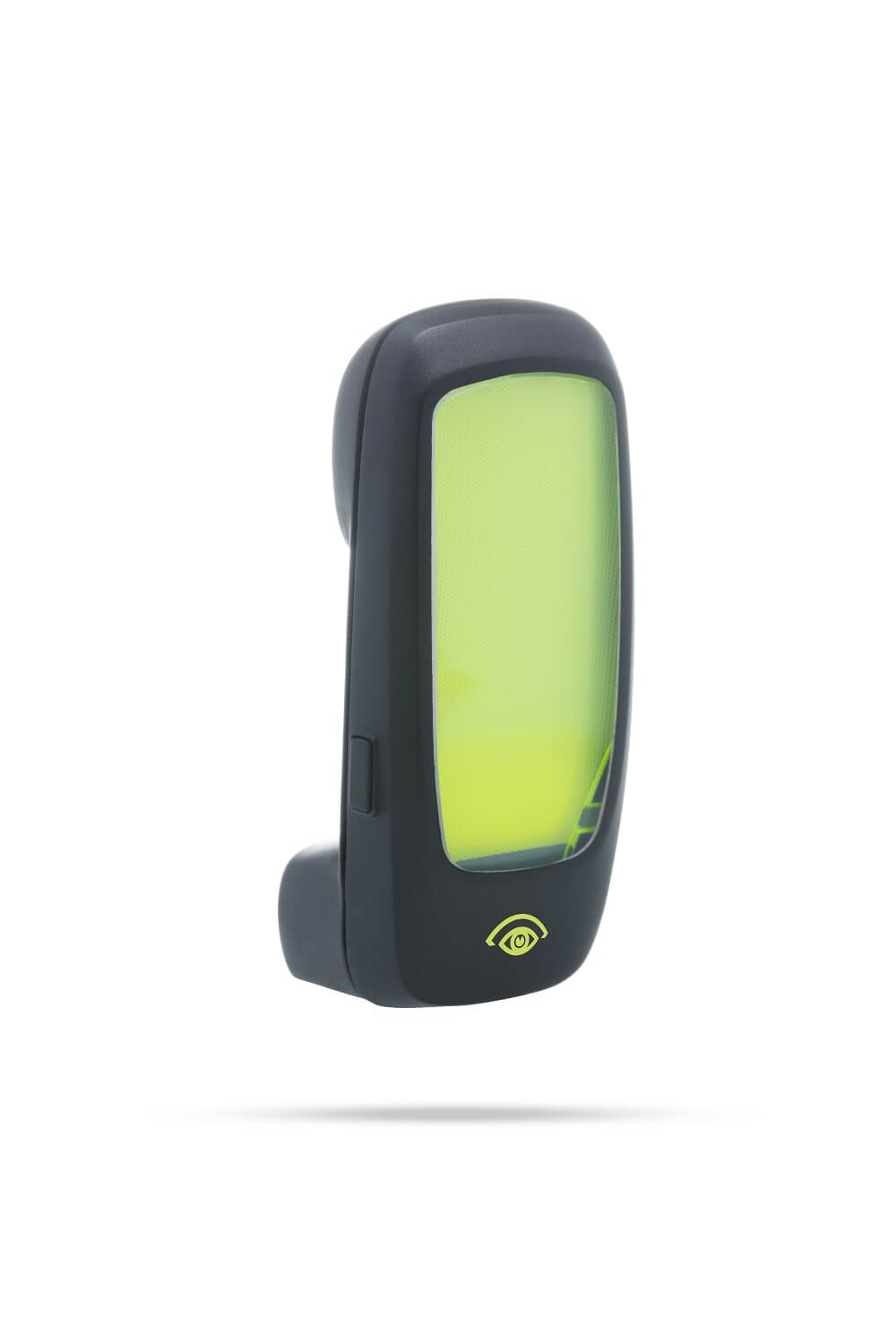
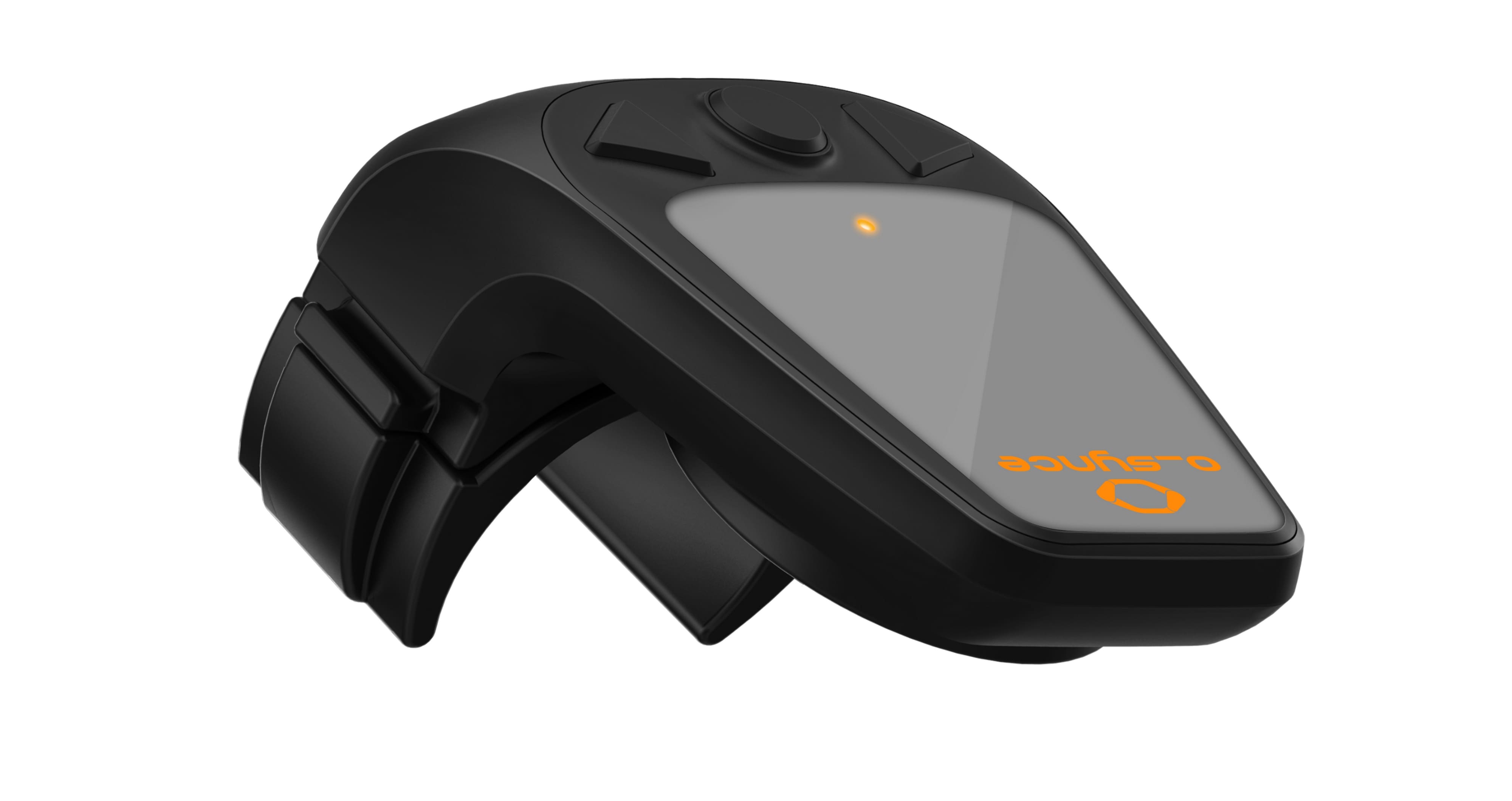
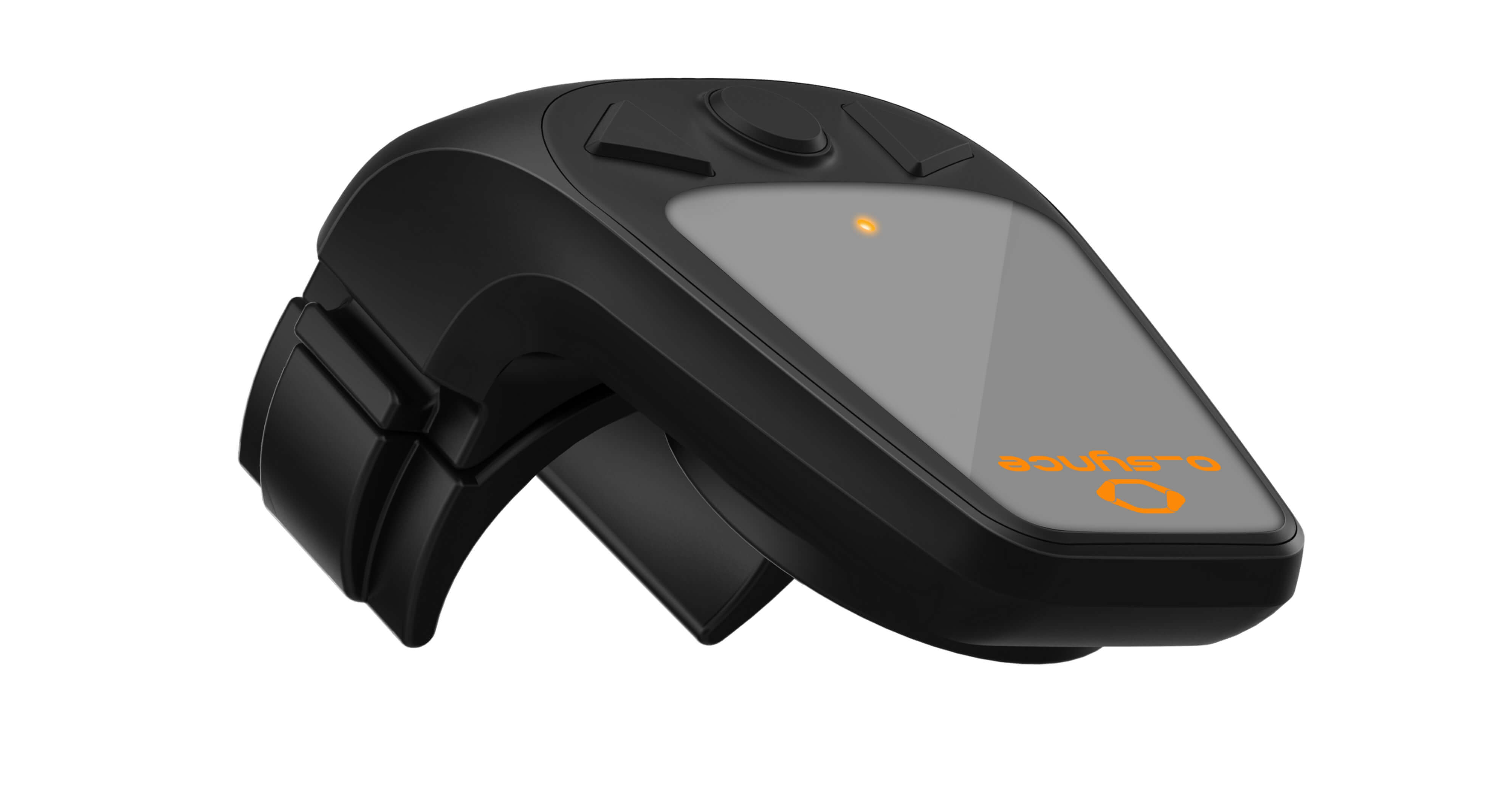
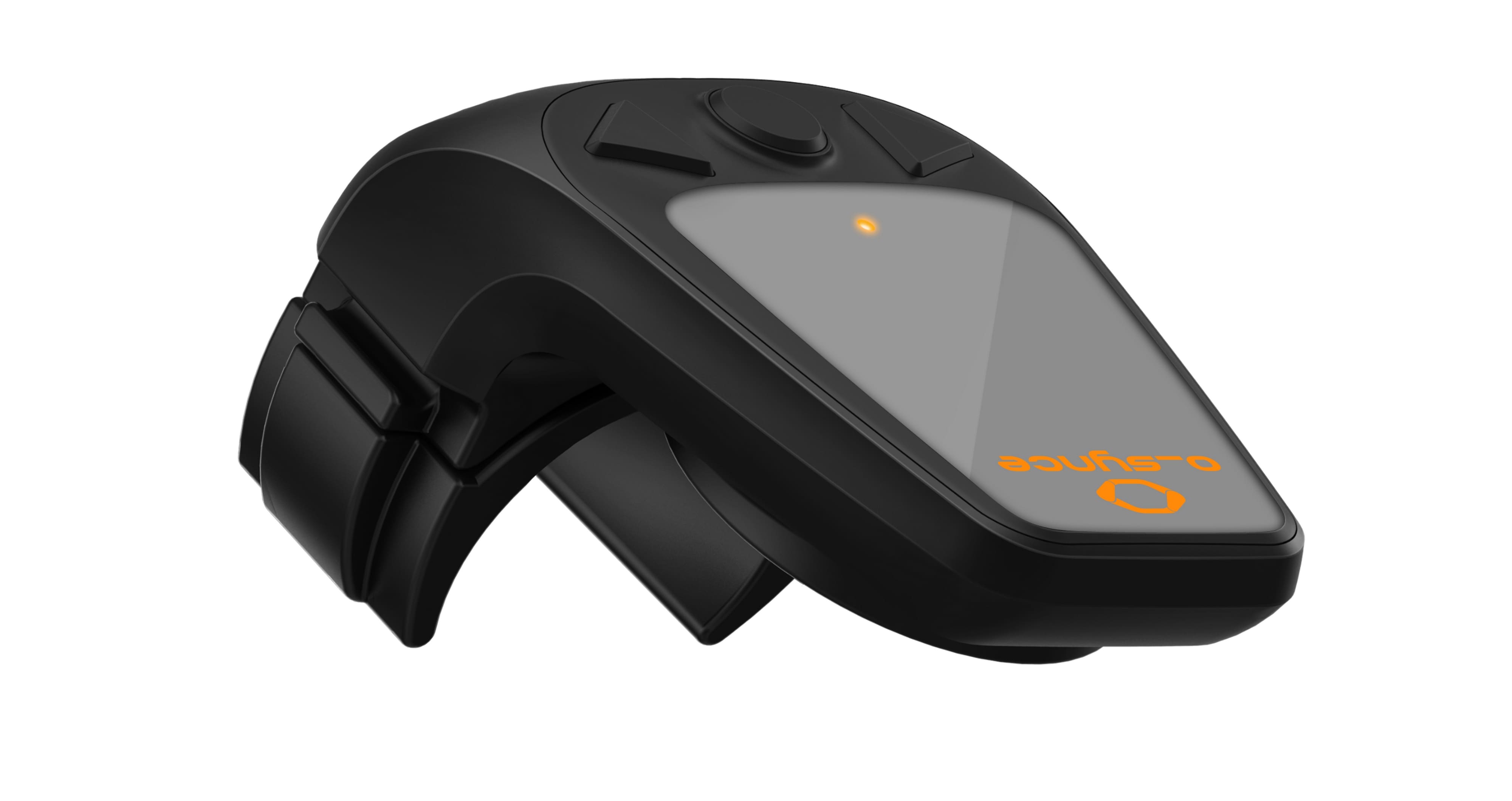
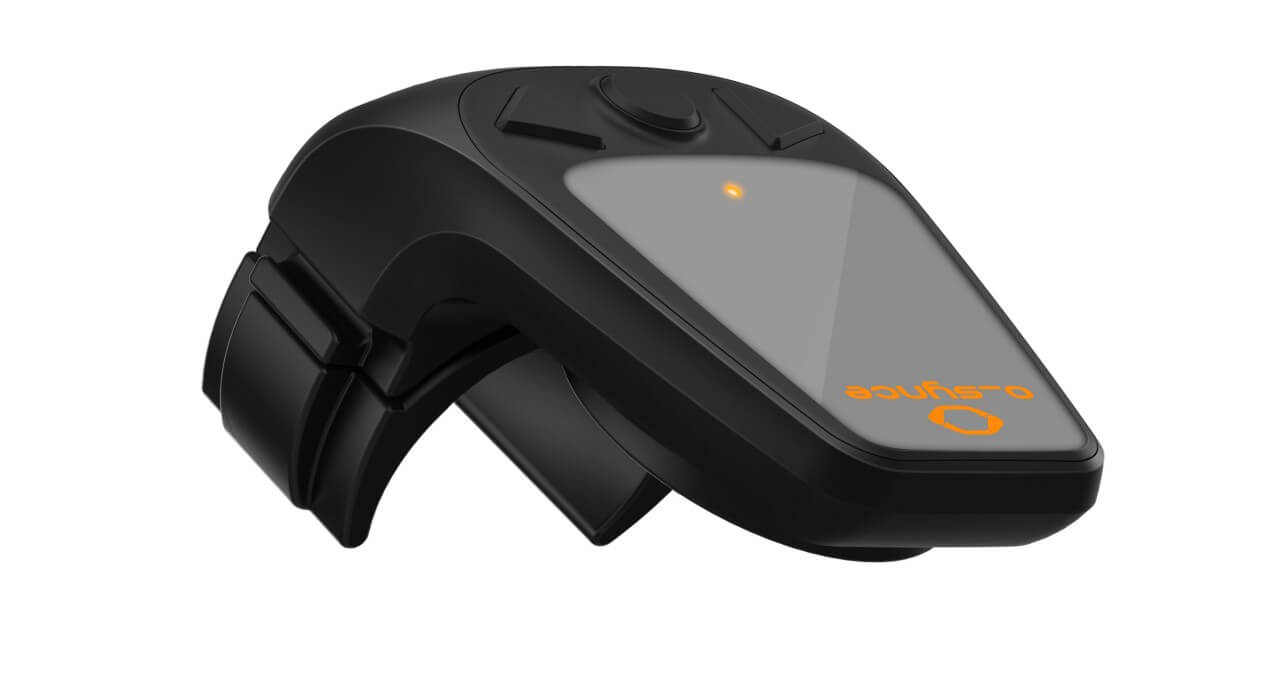
- Mit unserer Fernbedienung multiremote kannst du das USEE bequem bedienen, ohne die Hände vom Lenker nehmen zu müssen.

Die multiremote für die BLEvo App
Die multiremote ist eine echte Hilfe für alle Nutzer der BLEvo App. Mit der BLEvo App wird dein Turbo Levo oder Turbo Kenevo von Specialized zu einem intelligenten E-Bike! Die Bedienung des Touchscreens kann jedoch, insbesondere auf unebenen oder schwierigen Strecken, herausfordernd sein. Mit der multiremote, die am Lenker deines E-Bikes montiert wird, kannst du die Funktionen der BLEvo App bequem steuern, ohne auf den Touchscreen zugreifen zu müssen. Du hast die Möglichkeit, die Anzeige zu ändern, in die Karte zu zoomen, die Unterstützungsstufen anzupassen und vieles mehr!

Innovatives Fahrradzubehör
Wir sind ein kleines Unternehmen aus Heidelberg, das sich auf die Entwicklung von Elektronik für Fahrräder und E-Bikes spezialisiert hat. Unser Fuhrpark besteht aus Rennrädern, MTBs, E-Bikes und City-Bikes, denn das Radfahren ist unsere gemeinsame Leidenschaft. Mit viel Herzblut entstehen auch unsere Produkte, die sich durch einfache Bedienung, enorme Erweiterbarkeit sowie einen hohen Grad an Innovationskraft auszeichnen. Dank ANT+ und Bluetooth Anbindung „kommuniziert“ unsere Fahrradelektronik mit verschiedenen Sensoren, Apps und E-bikes. Neben der eigenen Marke o_synce bieten wir in unserem Onlineshop weitere richtungsweisende Produkte an, die das Fahrradfahren noch unterhaltsamer, leichter und sicherer machen!
Profitiere von exklusiven Vorteilen – 10% Rabatt bei Newsletter-Anmeldung!
Melde dich jetzt für unseren Newsletter an und sichere dir einen Rabatt von 10% auf deine nächste Bestellung. Erhalte regelmäßige Updates zu neuen Produkten, exklusiven Angeboten und vielem mehr! Bleibe stets informiert und verpasse keine spannenden Neuigkeiten.
KOSTENFREIER VERSAND
KOMPETENTER SUPPORT
14 TAGE RÜCKGABERECHT